

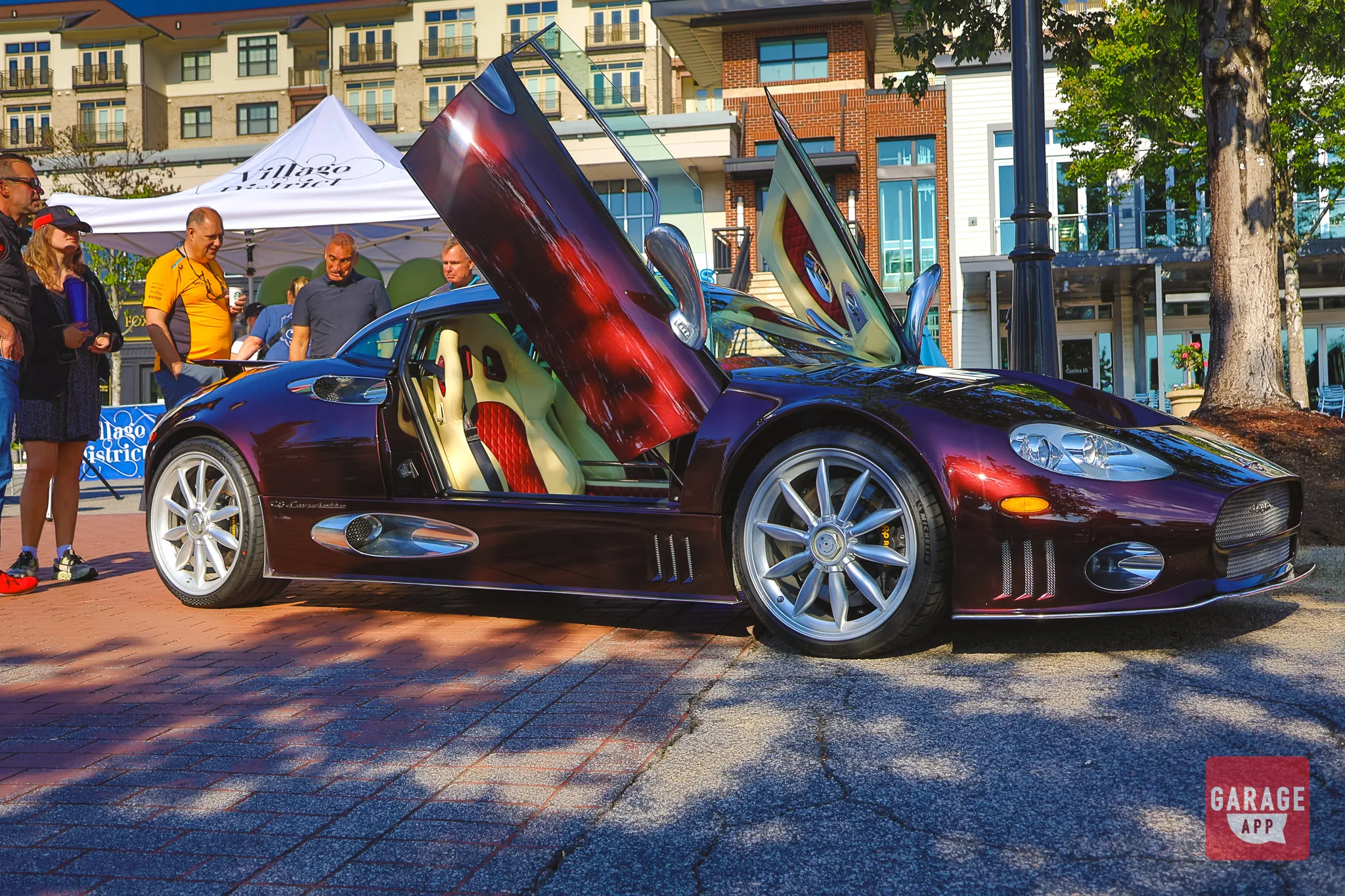
If you have been searching for a car community app, you have probably run into both GarageApp and Throdle. They occupy similar shelf space in the App Store, they both exist because generic social media does a poor job of serving car people, and they both attract the same kind of user: someone who wants to see builds, meet local enthusiasts, and stop scrolling past content they do not care about.
They are not the same product, though. One is built around discovery of events and roads in the physical world. The other is built around a feed of car content and the people who post it. Those are different jobs, and which one matters more to you should decide where you spend your time. This article breaks down how the two apps compare across community and event discovery, vehicle showcasing, driving and route features, and pricing, then gives you a straightforward way to pick.
The Quick Answer
If you only read one section, read this one.
- Choose GarageApp if your main goal is finding real-world car meets, shows, and cruise-ins near you, planning and sharing scenic drives, and keeping an organized virtual garage of your vehicles and builds.
- Choose Throdle if your main goal is a clean, feed-based social experience: posting photos of your car, following other enthusiasts, and browsing content the way you would on Instagram, minus the non-car noise.
- Use both if you are active in the scene. They overlap less than the category name suggests, and there is no rule that says you pick one app and delete the other.
Community and Discovery
This is the clearest split between the two apps, and it comes down to a design decision each one made early.
Throdle is built around a social feed. You follow people, you see their posts, and the community forms out of those follow relationships. It is a familiar model and it works well for what it is: a dedicated space where car content is the whole point instead of an occasional interruption between memes and ads. If you have ever wondered why generic social media fails car communities, Throdle is one answer to that problem, and a legitimately good-looking one. The interface is clean, the content is on-topic, and the barrier to posting is low.
GarageApp starts from location instead of from a feed. The core question the app tries to answer is "what is happening near me, and who is going?" Events are the primary object: Cars and Coffee mornings, weekend shows, track days, cruise-ins, club meets. You browse them on a map, filter by distance and date, see who has RSVP'd, and then actually show up. Organizers can create and manage their own events, which means the listings come from the people running the meets rather than from a scraped calendar.
That distinction matters more than it sounds. A feed tells you what the community looks like. A map tells you where to stand on Saturday at 7 a.m. If you have been trying to break into a local scene, the second one gets you there faster. We wrote a full walkthrough on how to find car events and meets near you if you want the practical version.
Whichever app you use, RSVP to events even when you are only 70 percent sure you will make it. Organizers use headcount to plan space and coffee, and attendance numbers are how small meets convince venues to keep hosting them.
Clubs and groups
GarageApp also supports clubs and groups, which gives structure to ongoing communities rather than one-off posts. That fits how a lot of car culture actually works: a marque club, a regional chapter, a group of five friends who meet at the same gas station every Thursday. Throdle's strength is more individual, built around personal profiles and the content on them. Neither approach is wrong. If you lead or belong to a club, the group structure is worth having.
Virtual Garage and Vehicle Showcase
Both apps let you show off your car. They do it at different depths.
On a feed-first app, your car exists as a series of posts. That is fine for a daily driver and great for photography, but it scatters your build across a timeline. Six months later, the shot of your fresh coilover install is buried under fifty other photos.
GarageApp's virtual garage treats each vehicle as its own permanent profile. You add the car or bike, record specs and details, log modifications, and attach photos to that vehicle rather than to a chronological stream. If you own multiple vehicles, each one gets its own page. Collectors and multi-bike owners tend to notice the difference immediately, because the alternative is a spreadsheet plus a camera roll. Our guide to virtual garage apps and cataloging a collection covers what to track and why it pays off at sale time.
A feed shows people what your car looked like last Tuesday. A garage profile shows them what it is.
GarageApp
There is a practical side to this beyond showing off. A vehicle profile with dated mod entries, receipts, and photos becomes documentation. That is useful for insurance conversations, useful for buyers, and genuinely useful for you when you cannot remember which brake pad compound you ran two years ago.
Photograph the boring stuff. Part numbers, invoices, before shots, the wheel behind the wheel. Those are the images that prove a build later, and almost nobody takes them.
Route Planning and Driving Features
This is where GarageApp does something most car social apps do not attempt at all.
GarageApp includes scenic route creation and sharing, with CarPlay and Android Auto support so the route follows you into the car instead of living on a phone in a cupholder. You can build a drive, save it, share it with other users, and follow routes other people have already mapped. For anyone whose favorite part of ownership is the driving rather than the parking, that is a meaningful feature, and it is one of the reasons the app appeals to motorcycle riders as much as car owners.
The practical value shows up in group drives. Instead of a text thread with three screenshots and one guy who missed the exit, everyone has the same route on the same screen. If you organize convoy runs, our multi-car convoy road trip planning guide walks through the logistics. And if you are just looking for something better than the interstate on a Sunday, we also cover how to find the best driving roads near you.
Throdle, as a feed-based social app, is not trying to solve route planning. That is not a knock on it. It is a scope decision, and plenty of users have no need for in-car navigation from a community app. But if driving routes are part of what you want, this is a genuine functional difference rather than a marketing one.
Pricing and Access Model
Worth addressing directly, because it is the most common question people ask before downloading either app.
Both GarageApp and Throdle are free to download. GarageApp operates on a 3-day free trial model: you can install it and get oriented at no cost, and a subscription is only charged after the 3-day free trial, offering full access to GarageApp, including the events page, garage page, feed, and route functionality. There is a paywall, and we would rather tell you that up front than have you discover after creating an account.
The reasoning is straightforward. An app built around event data, maps, route hosting, and photo storage carries real ongoing costs, and the two ways to cover them are subscriptions or advertising. Ad-supported platforms optimize for time spent staring at a screen. A subscription model lets the app optimize for the thing you actually want, which is getting you to a meet or onto a good road. It also means your feed is not sold to whoever bids highest on "car enthusiast, age 25 to 44."
For Throdle's current pricing tiers, check its App Store listing directly. Pricing changes across app updates and we are not going to quote numbers we cannot verify today. Both apps are well reviewed by their user bases, and both are worth a free install before you decide anything.
Side by Side
- Platforms: GarageApp is available on iOS and Android. Throdle is distributed through the App Store; confirm current Android availability on its official listing.
- Price to start: Both free to download. GarageApp offers a paid subscription after a 3-day free trial.
- Community model: GarageApp is geo-location based, with a primary focus on connecting you with nearby enthusiasts, displaying events, clubs, and groups in your area. Throdle is feed and profile first, built on following other users.
- Vehicle showcase: GarageApp uses persistent per-vehicle garage profiles and posts. Throdle showcases vehicles through posts on your profile.
- Event discovery: GarageApp has map-based browsing, RSVPs, and organizer-created event listings. Throdle surfaces events primarily through community posts.
- Driving features: GarageApp includes scenic route creation and sharing with CarPlay and Android Auto. Throdle does not focus on route planning.
- Standout feature: GarageApp- geo-location based event and group discovery plus in-car route sharing. Throdle, a polished, distraction-free car content feed.
- Best for: GarageApp suits enthusiasts who attend meets, organize drives, and connect with other local enthusiasts. Throdle suits enthusiasts who mainly want to post, browse, and follow.
Which Should You Choose?
Skip the feature lists for a second and answer one question: what does a good weekend look like for you?
If it involves leaving the house, GarageApp is the better fit. Map-based event discovery, RSVPs, club and group tools, and CarPlay route sharing are all built for people whose enjoyment happens outside the phone. Same answer if you own more than one vehicle, if you are documenting a long build, or if you are the person in your friend group who plans the drive.
If a good weekend means coffee, a couch, and two hours of scrolling beautiful cars, Throdle deserves a look. It does the feed well and it keeps the content on topic, which is more than most platforms manage. Some people want a community to look at more than a calendar to fill, and that is a completely reasonable preference.
Realistically, a lot of enthusiasts will keep both. They cost nothing to try, they solve different problems, and the overlap is smaller than the category name implies. Install both, spend a week in each, and keep whichever one you open without thinking about it. That is the only benchmark that matters.
Before you judge either app, set your location radius wide, at least 50 miles, for the first week. Local scenes cluster unevenly, and a tight radius can make a healthy region look empty.
There is one more difference worth putting side by side, and it favors the people who actually build local scenes: GarageApp runs a public affiliate program that pays 30 percent on subscriptions that come through your link, while Throdle does not currently advertise an equivalent program on its listing. If you organize meets, run a club page, or have an audience that trusts your recommendations, that is a real distinction between the two apps rather than a feature checkbox. Terms are on the GarageApp affiliate program page if you want to read them before signing up.